On this page
- What you will define
- Step 1: Write the outcome without naming technology
- Step 2: Choose one end-to-end workflow
- Step 3: Separate the happy path from exceptions
- Step 4: Define the system’s authority
- Step 5: Test with real data early
- Step 6: Define success and stop conditions
- Step 7: Include production work in the scope
- The one-page scope canvas
- Outcome
- User and owner
- Trigger and finish
- Inputs and systems
- Authority
- Exceptions and review
- Measures
- Out of scope
- How to cut scope without cutting the value
- Common scoping mistakes
- Calling a feature list a scope
- Hiding uncertainty inside fixed estimates
- Making the pilot unrealistically clean
- Treating “phase two” as a storage bin
- FAQ
- How small should the first version be?
- Should the first version use AI?
- Do we need every integration at launch?
- What should be out of scope?
- Who approves the scope?
- Ready to scope the first release?
The first version should prove that one valuable workflow can improve safely, not attempt to deliver the final vision. Scope one trigger, one user group, one main path, named exceptions, and a measurable outcome.
That boundary creates something the team can test in real work without betting the whole operation on an unproven design.
Quick answer: define the outcome first, map one end-to-end workflow, cut optional cases, design human review, and agree on success and stop conditions before building.
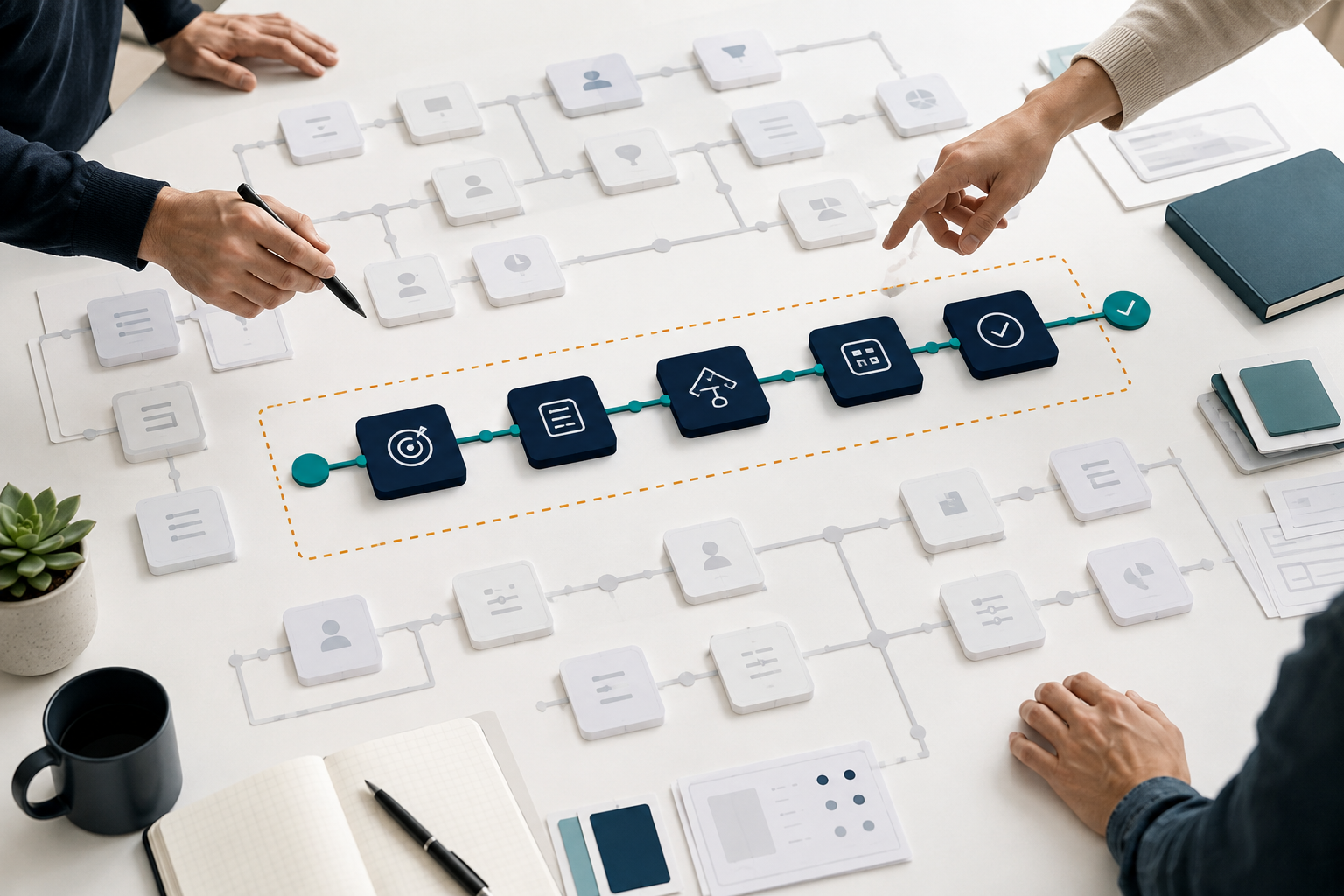
What you will define
By the end of scoping, the team should know:
- What starts the workflow
- Who uses or owns it
- Which information is required
- What the system may decide or do
- Which cases need human review
- What counts as success
- What is explicitly out of scope
If these remain ambiguous, an estimate will look precise without being dependable.
Step 1: Write the outcome without naming technology
Start with the operational change.
Weak: “Build an AI assistant for customer service.”
Stronger: “Reduce the time needed to classify and route incoming support requests while keeping account and refund decisions with authorised staff.”
The stronger version defines value and preserves a boundary. It leaves room to choose AI, rules, integrations, software, or a combination.
Step 2: Choose one end-to-end workflow
A narrow workflow still needs a complete start and finish. Automating only the middle can create more handoffs than it removes.
Describe:
- Trigger: what starts the work?
- Inputs: what information is available?
- Actions: what happens on the normal path?
- Decision: where is judgment required?
- Output: what changes when the work is complete?
- Owner: who is accountable?
Pick the path with meaningful volume and a result you can verify.
Step 3: Separate the happy path from exceptions
Do not force every case into version one.
List the common path first. Then identify exceptions such as:
- Missing or contradictory information
- Unsupported request types
- Policy exceptions
- Sensitive or high-value cases
- Failed validation
- Unavailable systems
For each exception, decide whether version one will handle it, route it to a person, or leave it manual.
Step 4: Define the system’s authority
An AI workflow can suggest, draft, classify, update, approve, send, or pay. Those verbs have different risk.
Write down what the system is allowed to do without approval and what requires a person.
For example:
- May classify an enquiry automatically
- May draft a reply
- May not send the reply when account data is involved
- Must escalate missing documentation
- Must log the source and final decision
Clear authority prevents “helpful” automation from becoming uncontrolled action.
Step 5: Test with real data early
Representative examples expose ambiguity faster than meetings.
Collect a small set that includes:
- Common clean cases
- Incomplete inputs
- Rare but important exceptions
- Different formats or language styles
- Cases that staff currently disagree about
Use the set to test feasibility, define quality, and estimate review effort. Remove or mask sensitive information as required.
Step 6: Define success and stop conditions
Choose a small number of measures tied to the outcome:
- Cycle time
- Manual touches
- Response time
- Correct routing rate
- Exception rate
- Reviewer override rate
- Time spent per review
Also define stop conditions. Pause or roll back if the workflow causes unacceptable errors, review queues grow beyond capacity, a source system becomes unreliable, or users bypass the process.
Step 7: Include production work in the scope
A prototype proves an idea. A usable first release also needs:
- Authentication and permissions
- Logging and monitoring
- Error handling and retries
- Review and exception queues
- Documentation and training
- Deployment and rollback
- Ownership after launch
Ignoring these items makes an estimate look smaller by moving essential work outside the plan.
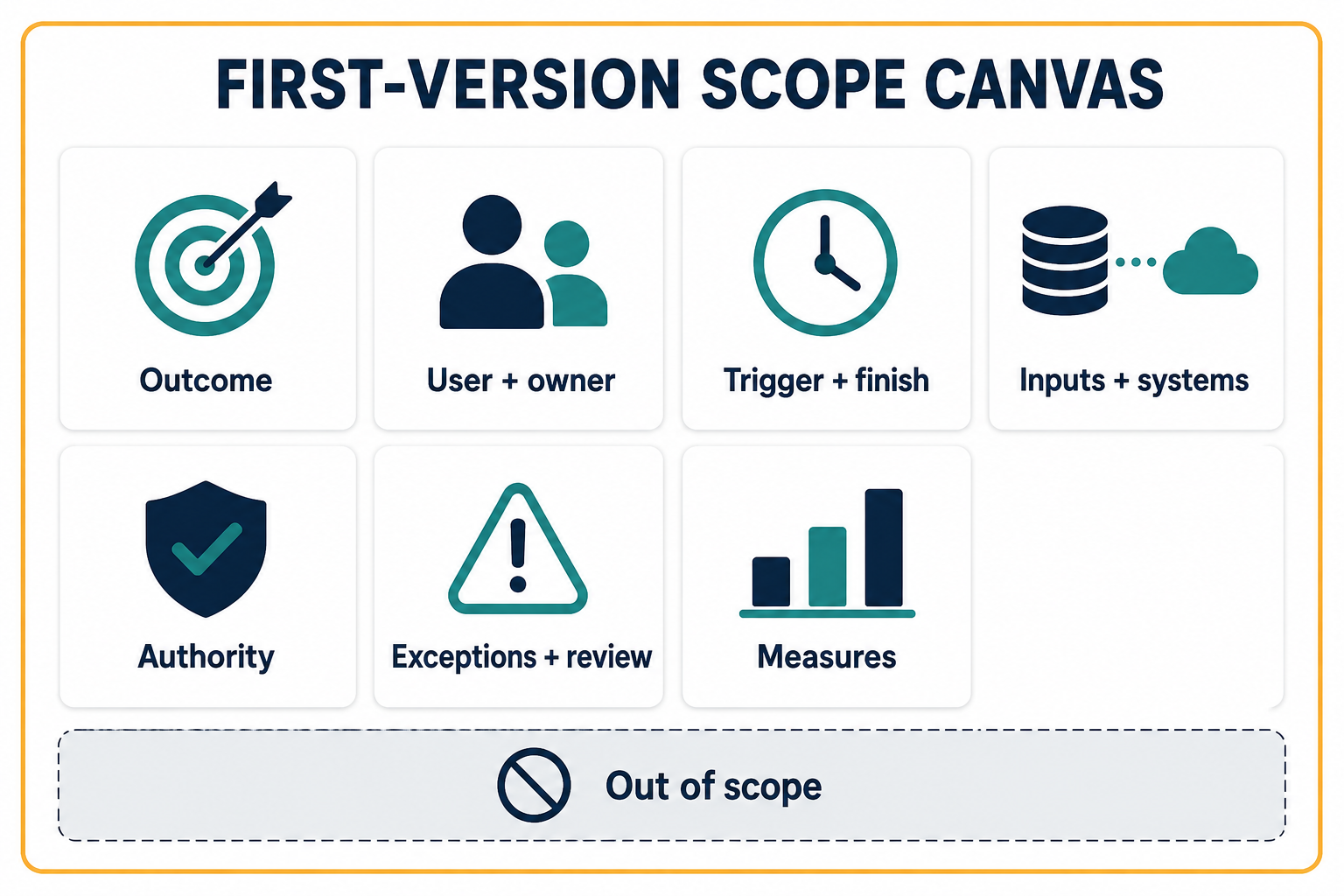
The one-page scope canvas
Use these headings:
Outcome
What measurable operating result should improve?
User and owner
Who uses it, and who can decide rules and priorities?
Trigger and finish
Where does the workflow start and what marks completion?
Inputs and systems
Which information and integrations are required?
Authority
What may the system do automatically?
Exceptions and review
Which cases leave the normal path, and who handles them?
Measures
What baseline, target, and review date will be used?
Out of scope
Which users, channels, cases, integrations, and features are deliberately excluded?
How to cut scope without cutting the value
Good cuts reduce breadth while preserving the result.
Cut by:
- One user group instead of every department
- One input channel instead of email, chat, voice, and forms
- One document type instead of the entire archive
- Suggestions before autonomous actions
- One integration before a system-wide rollout
- Common cases with a manual exception path
Avoid cuts that remove monitoring, security, review, or a complete path to the outcome.
For a scoped discovery engagement, see AI consultation; for the implementation boundary, see custom solutions. Start with what to automate first or compare AI consultation and enterprise automation.
Common scoping mistakes
Calling a feature list a scope
Features do not explain the workflow, authority, exceptions, or outcome.
Hiding uncertainty inside fixed estimates
Unknown data quality or integration access should become a discovery task or explicit assumption.
Making the pilot unrealistically clean
Test normal messiness. A pilot that excludes every difficult case does not prove operational value.
Treating “phase two” as a storage bin
Record why an item was deferred and what evidence would justify adding it later.
FAQ
How small should the first version be?
Small enough to ship and observe, but complete enough to improve one workflow end to end.
Should the first version use AI?
Only where interpretation creates value. Use deterministic rules for deterministic work.
Do we need every integration at launch?
No. Include the integrations required for the chosen workflow and use a controlled manual step elsewhere if it does not destroy the test.
What should be out of scope?
Optional user groups, rare cases, secondary channels, speculative features, and actions whose risk is not yet understood.
Who approves the scope?
The accountable business owner should approve the outcome and operating rules; technical owners should confirm feasibility, safety, and production requirements.
Ready to scope the first release?
If your first version keeps expanding, Dreamcode can turn the idea into a one-workflow scope with clear authority, exceptions, measures, and a roadmap for what comes next.